
Devtools
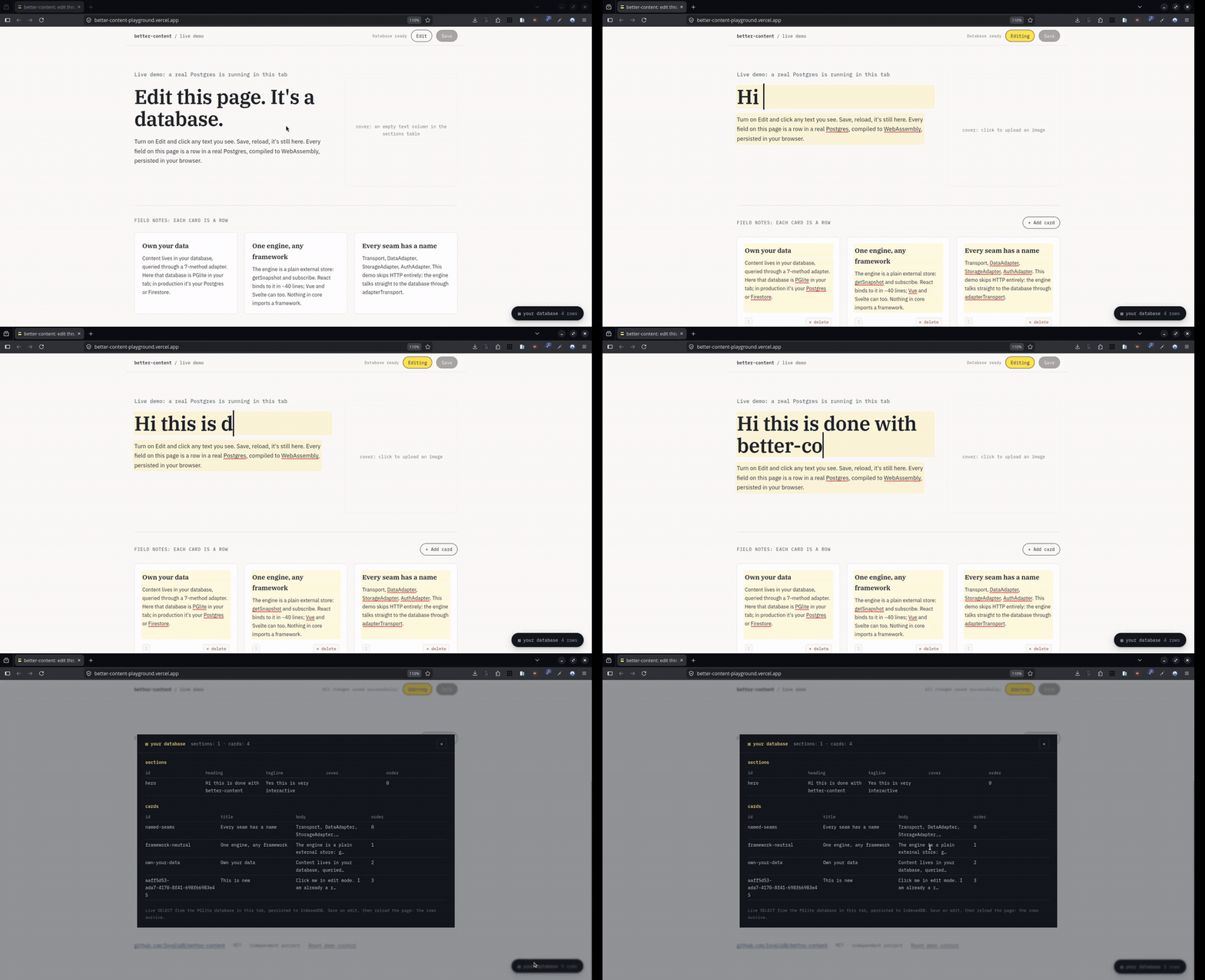
better-content/devtools ships a data inspector: a floating button that opens a live view of your collections, refreshed after every save. It makes the core promise tangible while you build: your content is rows, here they are.
React
import { DataInspector } from "better-content/devtools/react";

{process.env.NODE_ENV === "development" && (
  <DataInspector
    adapter={adapter}
    engine={engine}                       // optional: auto-refresh on saves
    collections={["sections", "posts"]}
  />
)}
Typed props, no registration call, no JSX configuration. Works on React 18 and 19 (the wrapper assigns object properties through a ref, so it does not depend on React 19's custom-element property support).
Any other framework, or none
The inspector is a custom element underneath, with its styles in shadow DOM. Frameworks all render HTML in the end, so one implementation serves them all:
import { registerDataInspector } from "better-content/devtools";

registerDataInspector(); // defines <better-content-inspector>, idempotent<better-content-inspector collections="sections,posts"></better-content-inspector>const el = document.querySelector("better-content-inspector");
el.adapter = myDataAdapter; // properties for object values
el.engine = myEngine; // optionalcollectionsaccepts a comma-separated attribute or a string array property.adapteris anyDataAdapter; the inspector only callsfetchCollection.enginesubscribes the inspector to the engine, refreshing the tables after each completed save. It unsubscribes automatically when the element leaves the DOM.refresh()refetches on demand.
The element has zero runtime dependencies (it imports only types from core) and registers nothing during server rendering; registerDataInspector is a no-op where customElements does not exist.
Development only
The inspector reads through whatever adapter you hand it, with no gate of its own. Mount it behind a development flag; do not ship it to visitors on a shared database.